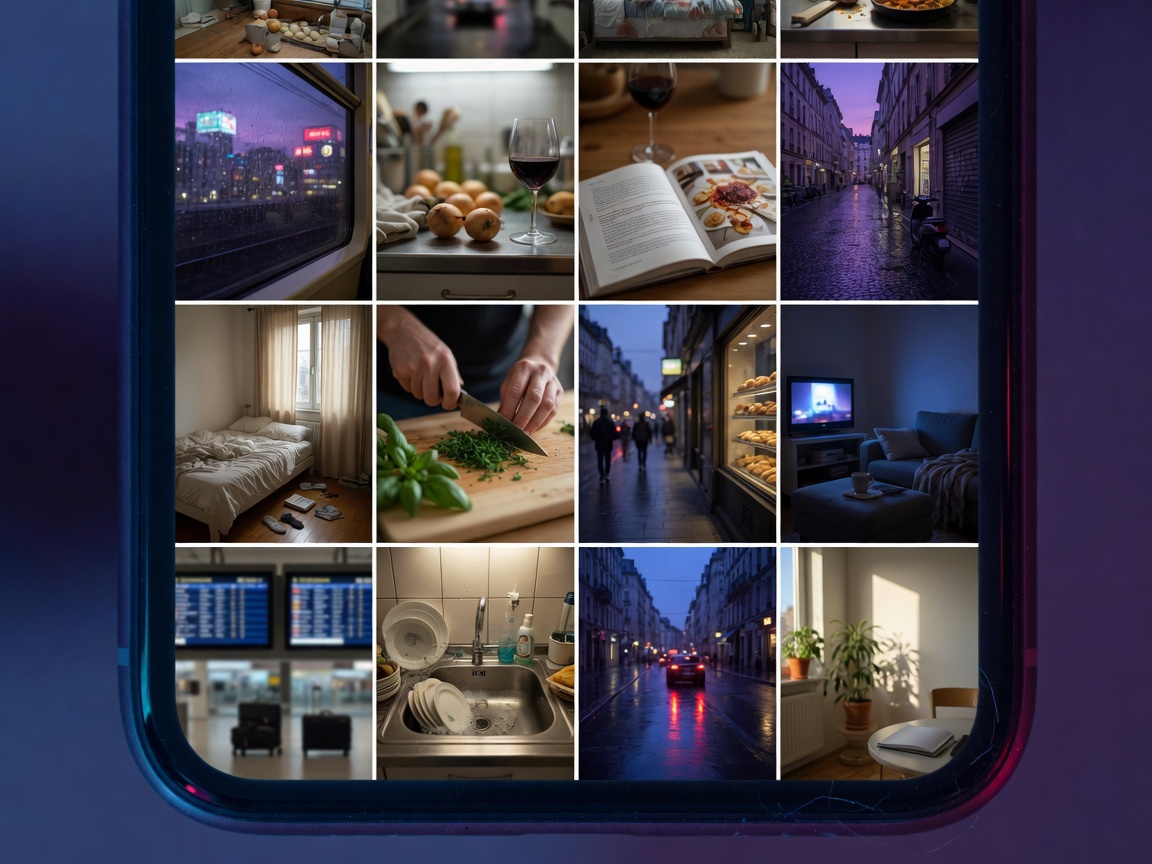
A real gallery, not a locker
Browse photos and videos in a date timeline, open albums, search with the metadata Apple already provides, and view media full screen.
iPhone now · Android coming soon
Veil Photo is a photo gallery for browsing photos and videos, keeping selected media in separate private vaults, converting images, and stripping location and EXIF before you share. Media stays on your phone. The iPhone app is first. Android is coming soon.
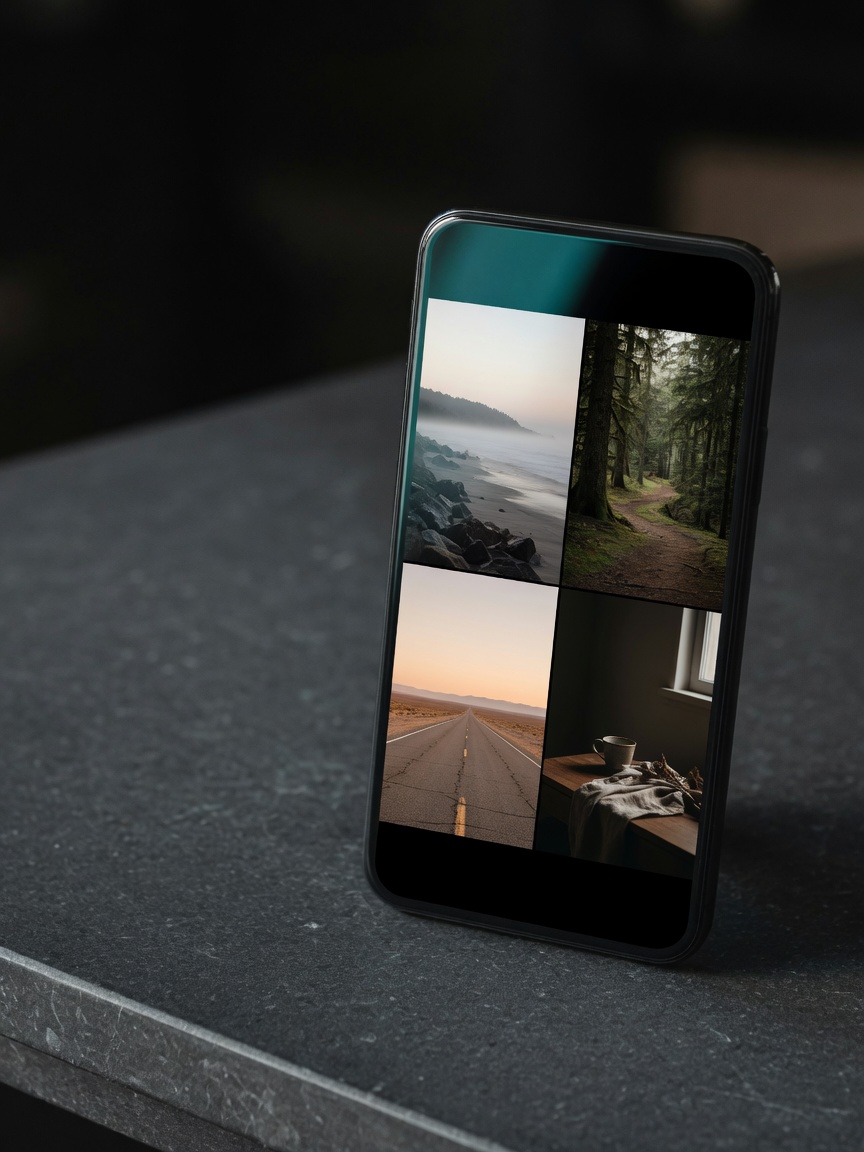
On your phone
Photos, videos, and vault files are processed on device.
Nothing uploaded
Private media and vault metadata are not sent to a server.
No analytics SDK
The app and this site do not include behavioral tracking.
iOS & Android
Available on iPhone, iOS 16+. Android is coming soon.
Browse photos and videos in a date timeline, open albums, search with the metadata Apple already provides, and view media full screen.
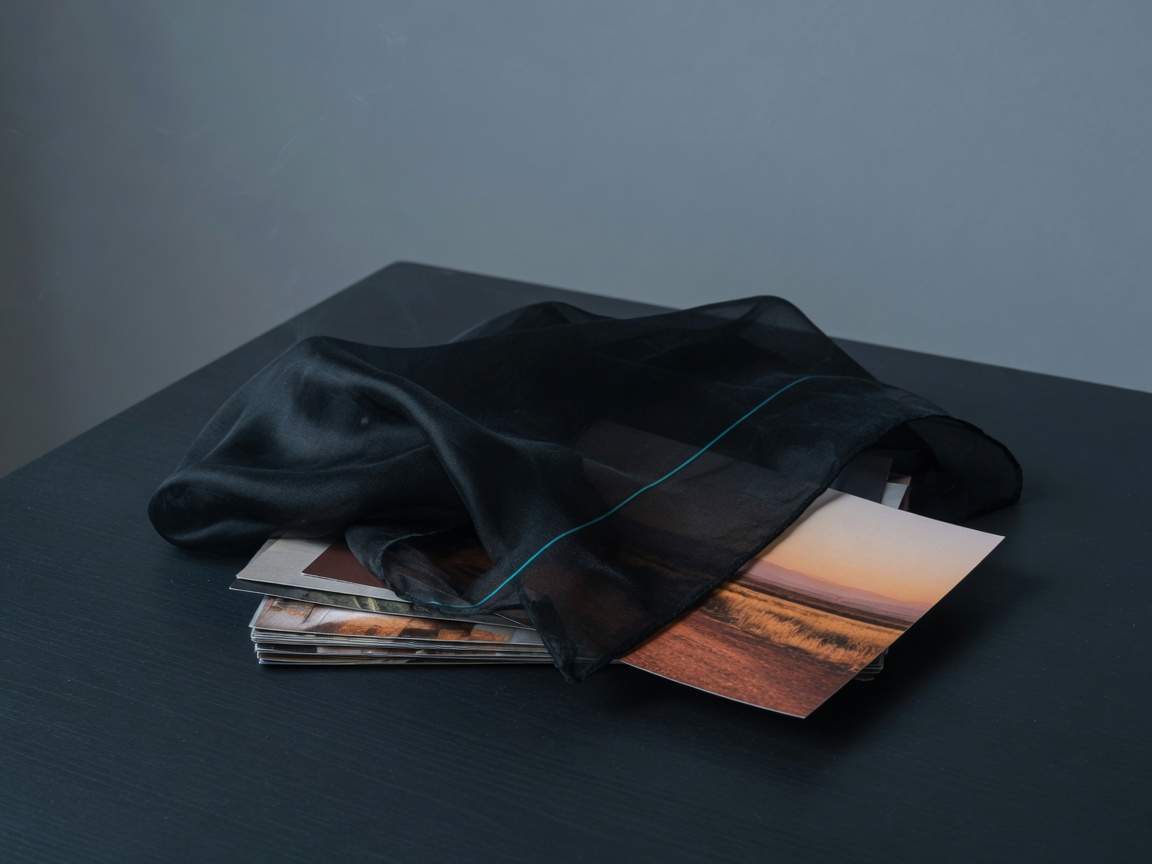
Create distinct private spaces, each with its own six-digit PIN. A locked vault shows a generic icon and never reveals names, counts, or thumbnails.
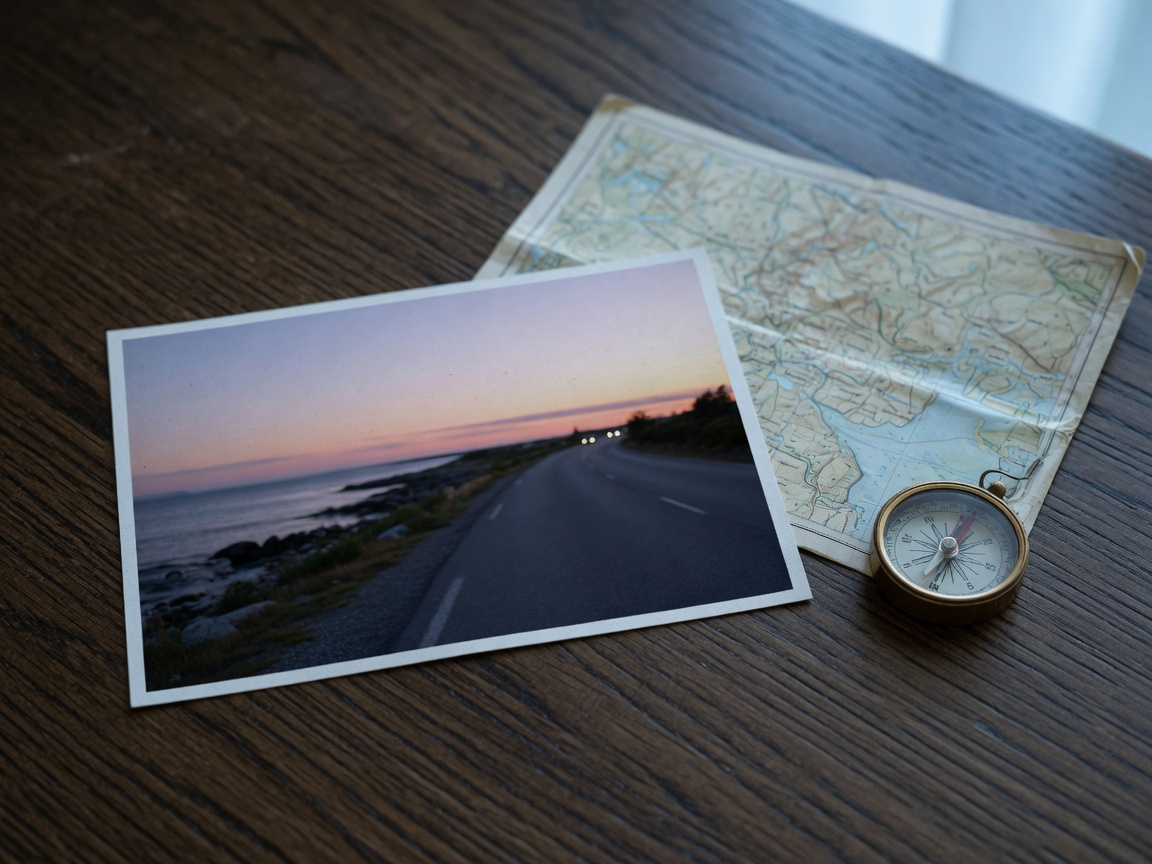
See removable metadata in plain language, strip EXIF and location from a copy, and keep the original. Check the result before you save or share.
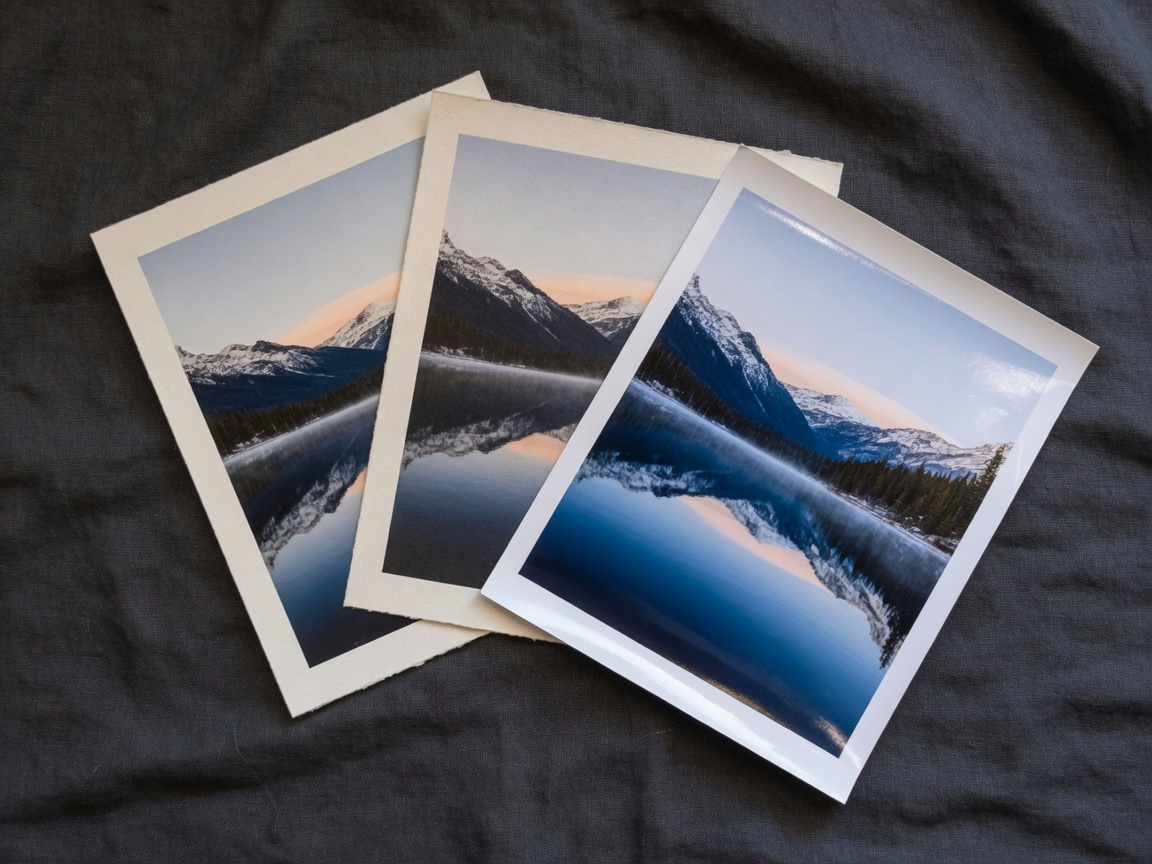
Turn supported images into HEIC, JPEG, or PNG, pick quality when it applies, and save to Photos, Files, or a vault. Originals stay unless you choose otherwise.
Vaults are private spaces, not ordinary folders. The PIN only selects and unlocks a vault. It is never a hint that one exists.
Open a creation sheet and enter the same six-digit PIN twice. An unknown PIN never creates a vault by accident.
The sixth digit prompts Face ID, Touch ID, or your device passcode. The correct PIN opens only that vault. Any other PIN shakes, clears, and stays silent.
Bring media into the open vault. Deleting the original from Photos is a separate confirmation, never an automatic step.
A vault relocks after five minutes of inactivity, and immediately when the app backgrounds. Switching vaults always asks for owner authentication again.
Everyday image tasks should be obvious: convert a format, remove location, keep the original, and verify the copy before it leaves your phone.
Select one or more supported images, choose HEIC, JPEG, or PNG, preview an estimate when it is practical, and save to Photos, Files, or a vault.
Review location and other removable EXIF in plain language, export a cleaned copy, and confirm the metadata is gone before you share.
Free is enough to try a real gallery and two private spaces. Lifetime Pro is the main upgrade. A yearly plan may appear as a quieter option.
Pay once for unlimited private space on this device.
Browse the gallery and keep a small private library.
An optional subscription if you prefer not to buy lifetime access.
Prices are shown in the App Store at checkout. Restore iPhone purchases on any device signed into the same Apple ID. Android prices will appear in Google Play when that listing is available.
No. It is a full photo gallery for everyday browsing, plus separate private vaults for media you choose to move. Gallery and search never fetch vault items.
No. Media is processed on your phone. Private vault files and their metadata are not uploaded. There is no cloud sync or backup in the app.
A vault PIN cannot be recovered. Entering an unknown PIN does not reveal whether that PIN belongs to a vault. Keep a PIN you will remember, or use your master PIN to open the authenticated vault list.
A distinct master PIN, different from every vault PIN, opens an authenticated list of vaults with each generated icon and vault code. Opening a vault from that list still requires owner authentication.
Veil Photo stores private media on device, keeps raw PINs only in the device Keychain, and requires owner authentication after a correct PIN. It does not claim encryption properties beyond what is implemented and verified.
Yes. Veil Photo is coming to Android. The iPhone app is available first. The Google Play listing is not public yet.
After an explicit confirmation and a fresh owner authentication, that vault and its media are permanently deleted. This cannot be undone from the app.
You keep view, export, and delete access to private items you already have. Limits are explained before a new action is blocked. Purchases restore through the store where you bought them.
Install Veil Photo on iPhone today. Browse the day, keep private spaces separate, and share copies that no longer carry location. Android is coming soon.
The App Store listing is not public yet. The Android app is coming soon on Google Play.